Ableton Live ships with a surprisingly capable set of built-in devices. Some of them are genuinely world-class. Others are functional placeholders you will eventually want to replace. And a few are so well-disguised that most producers don't realise how good they are.
This is an honest breakdown of every major native device in Live — what it actually does, where the limitations are, and what the best third-party options look like when you're ready to go further.
EQ: EQ Eight
Keep for: Individual tracks where broad tone-shaping is all you need.
Replace for: Mix bus work, mastering, and any scenario requiring dynamic EQ.
EQ Eight is a solid eight-band parametric EQ that has served producers well for over a decade. It handles the basics — high-pass filters, shelves, bell curves, mid/side mode — without getting in the way. For most tracks in a session, it's entirely adequate.
The limitations show up when you push it. EQ Eight is minimum-phase throughout: every steep filter rotation introduces phase rotation proportional to its slope. On a single instrument track this rarely causes audible problems. On a mix bus, or when processing in parallel, that phase rotation can create comb filtering artefacts in complex material. There is no linear phase mode.
More limiting for modern mixing work: EQ Eight has no dynamic EQ. Bands cannot respond to signal level. If you want a high shelf that only pulls back when the top end gets harsh, you're wiring an M4L envelope follower into EQ Eight's parameters manually.
Upgrade: FabFilter Pro-Q 4
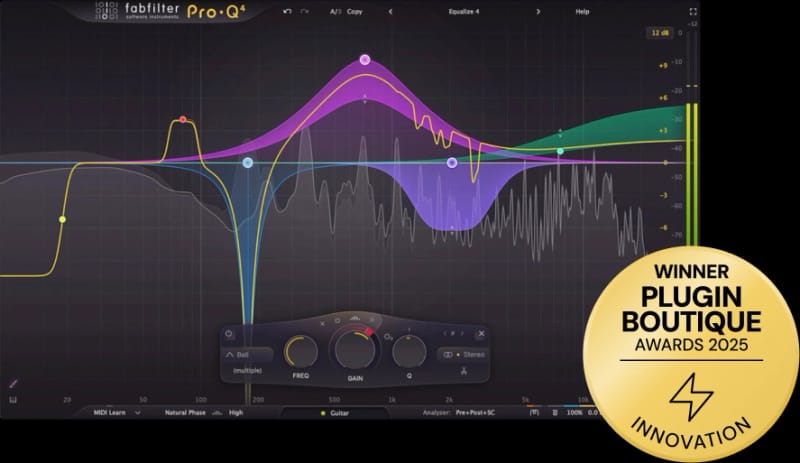
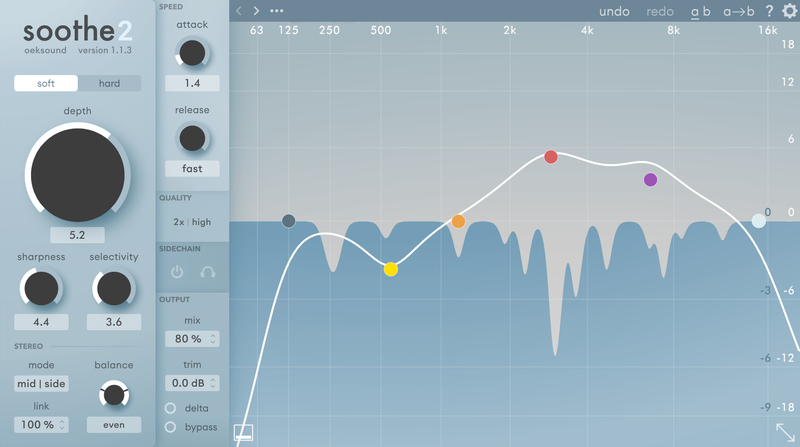
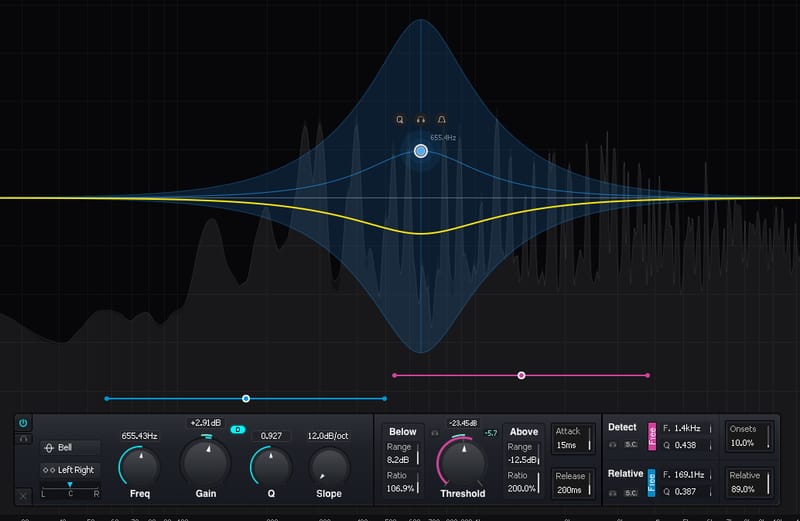
The release of Pro-Q 4 in late 2024 was a meaningful leap over its predecessor. The headline addition is Spectral Dynamics — unlike standard dynamic EQ, which compresses an entire band, Spectral Dynamics targets only the individual frequencies within a band that exceed the threshold, leaving everything else in that range untouched. It's a different approach to resonance control: surgical without being clinical. It competes directly with dedicated tools like oeksound Soothe 2 but with full manual control over which bands to treat.
The EQ Sketch function lets you draw a rough curve freehand and Pro-Q 4 fits parametric bands to match it — useful for quickly approximating a shape before refining. Slopes are now continuously variable rather than fixed-step, and an Instance List lets you see all Pro-Q 4 instances across your session simultaneously.
If you're upgrading from Pro-Q 3, the dynamic processing alone justifies it. If you're coming from EQ Eight, the difference in capability and workflow is considerable.
Also worth knowing: Kirchhoff EQ is the serious alternative, offering 32 vintage EQ emulation models, dual-threshold dynamic processing, and 32 available bands. Less polished workflow than Pro-Q 4 but deeper in certain analytical and dynamic EQ capabilities.
Compression: Compressor and Glue Compressor
Keep both — they do genuinely different things, and one of them has an interesting secret.
The standard Ableton Compressor is a flexible, transparent general-purpose unit. Its standout feature is its mode options: Feedforward vs Feedback topology changes how the sidechain responds (feedback mode adds vintage-style programme dependency and character), and the Opto and Log vintage modes alter the timing curves to simulate optical compressors and tape machine behaviour respectively. For clean, controlled dynamics processing across many types of material, it's underrated.
The Glue Compressor is more interesting than most producers realise. Ableton licensed the algorithm directly from Andrew Simper of Cytomic — the same engineer who built The Glue standalone plugin. The core SSL 4000 G-Bus VCA circuit model is identical in both. This means the Glue Compressor is not Ableton's approximation of an SSL bus compressor — it is one. The sticky mode (all-four-ratios-in) for hard limiting, the soft clip ceiling, and the zero-latency behaviour are all genuine.
The standalone Cytomic The Glue adds up to x8 oversampling with linear, intermediate, and minimum phase options — worth having for mastering or when pushing the compressor hard on final renders. For in-session mixing, the bundled version is zero-latency and shares the same core circuit model, so there's rarely a reason to reach for the standalone.
It's worth knowing where the Glue Compressor sits in the broader SSL G-Bus family. The Waves SSL G-Master Buss Compressor is the oldest and most battle-tested software version — licensed from SSL, faithful to the hardware's fixed time constants, and a studio staple for decades. SSL Native Bus Compressor 2 is SSL's own modern take, adding a parallel mix knob and sidechain filters while preserving the hardware character. The Brainworx bx_townhouse Buss Compressor has a particular story: it models a specific modified 1978 SSL console used on recordings by Queen, Sting, and Muse — a different, more forward character than the standard G-Bus. And the UAD SSL 4000 G Bus Compressor remains the hardware-accelerated benchmark for authenticity, though it requires UAD/Apollo hardware. The Ableton Glue Compressor holds its own in that company.
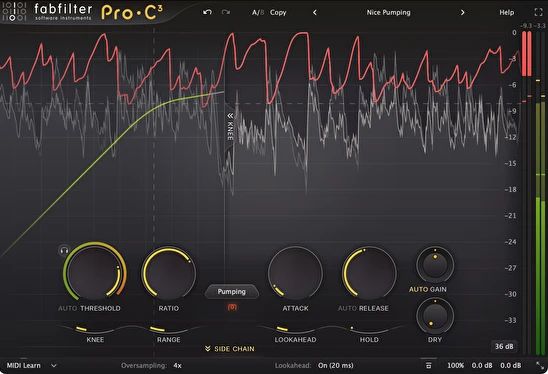
For general mixing compression, FabFilter's FabFilter Pro-C 3, released in January 2026, represents the current state of the art: fourteen compression styles including Vari-Mu, El-Op (opto-electrical), and upward compression modes, plus up to 32x oversampling and auto-threshold. The previous version, FabFilter Pro-C 2, remains excellent and is widely available at reduced prices.
Delay: Echo
Keep it — this is one of Live's most underrated devices and there's little reason to replace it.
Echo is doing something that most producers overlook. It's not just a delay — it's a tape delay simulator with a genuinely sophisticated signal path. The feedback loop includes a high/low-pass filter (essential for preventing low-end buildup in long repeats), an LFO that simultaneously modulates filter cutoff and delay time, and a Wobble parameter that introduces the kind of irregular pitch instability a real tape machine produces.
The Noise control adds analog hiss into the signal path. The Ducking function suppresses the wet signal while the dry signal is present, letting the echo tail breathe during gaps rather than stacking up against the original. The built-in reverb on the repeats simulates the acoustic behaviour of hardware delay units — your echoes blur naturally rather than sounding pristine.
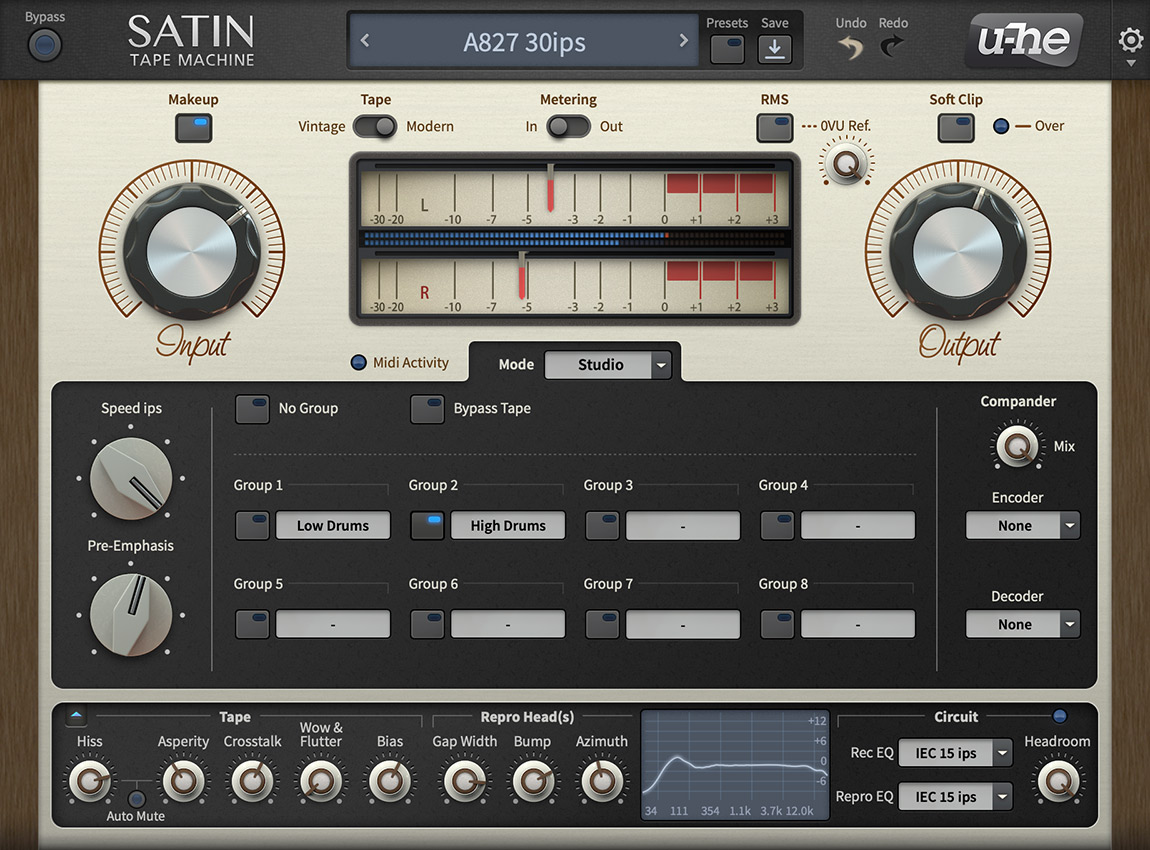
For most delay tasks in electronic music production, Echo does everything you need. If you want to go further into tape machine modelling, u-he Satin is the deepest available option, but it's a different proposition — an entire tape machine signal path for deliberate processing, rather than a creative delay effect.
Reverb: Hybrid Reverb
Keep it for most work — but read our full reverb plugin guide if you're serious about it.
Hybrid Reverb's ability to combine a convolution engine (real spaces from impulse responses) and an algorithmic engine (synthesised decay) in series or parallel gives it genuine flexibility. Running the IR as early reflections and the algorithm as an infinite tail is a workflow that normally requires two separate plugins.
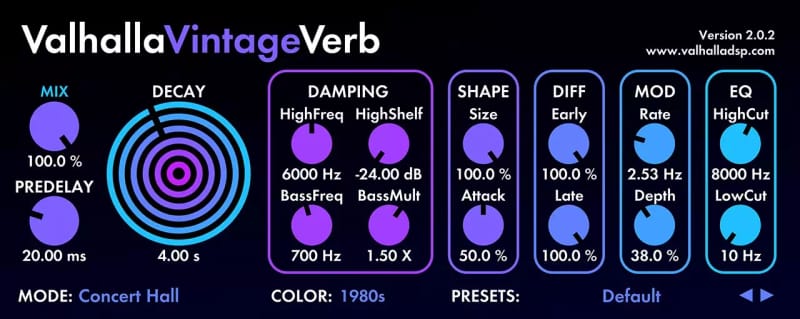
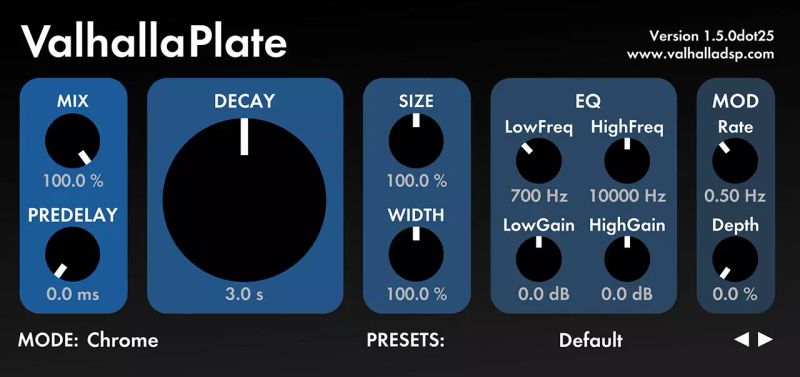
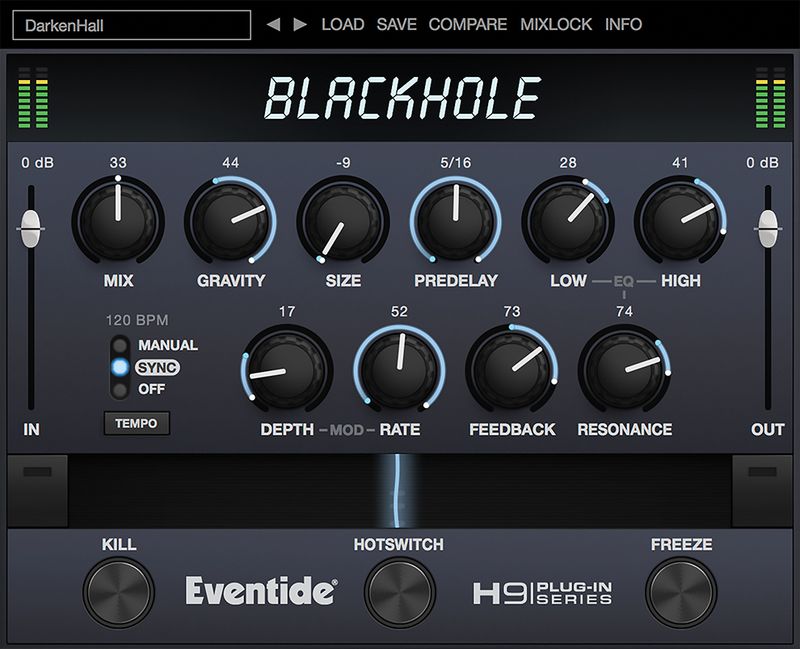
Where it falls short is character and depth. The algorithmic section doesn't have the warmth or tail-shaping control of dedicated tools like Valhalla VintageVerb, Valhalla Plate, or Eventide Blackhole, and the convolution engine becomes CPU-heavy with long IRs. For ambient and textural work it holds up well. For precise mixing reverb, the dedicated options pull ahead.
For the full picture, see our guide to the best reverb plugins for electronic music.
Saturation: Saturator
Replace it if saturation is a meaningful part of your sound.
Saturator is a static waveshaper — it applies the same gain curve to the signal regardless of level, time, or frequency content. It does what it does cleanly and cheaply (CPU-wise), which makes it useful for subtle pre-amp approximation across many tracks. What it can't do is the dynamic, frequency-dependent harmonic character of analog hardware: the way a transformer saturates differently at different frequencies, the way a tube stage blooms under transients, the way tape's high frequencies soften before the lows.
Upgrade: Soundtoys Decapitator
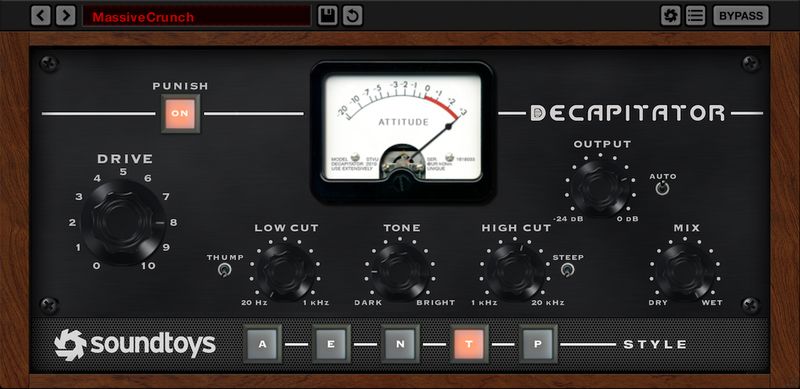
Five saturation modes, each modelling a specific piece of hardware: Ampex 350 tape drive, Chandler/EMI TG channel, Neve 1057, and two modes from the Thermionic Culture Vulture (triode and pentode). Each has genuinely different harmonic content and frequency response. The Tone control adjusts high-frequency emphasis. Drive ranges from subtle pre-amp colouring to extreme distortion.
Decapitator's list price is around £149 but Soundtoys runs sales regularly and it's frequently available at a significant discount. Worth waiting for if you're price-conscious.
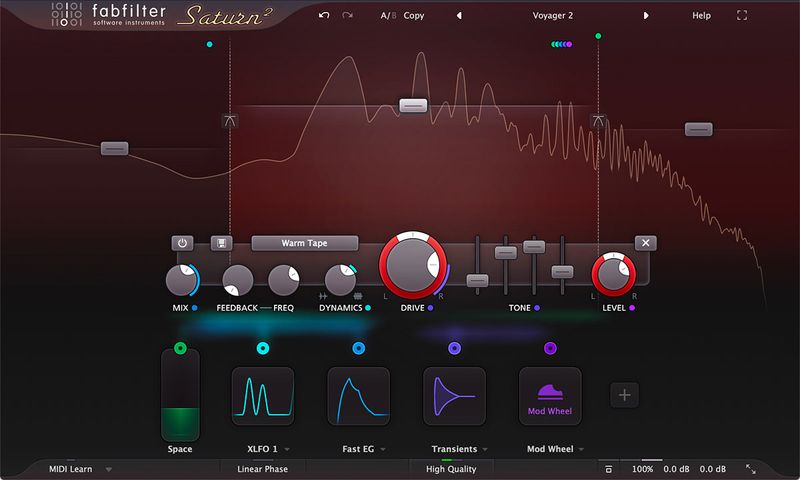
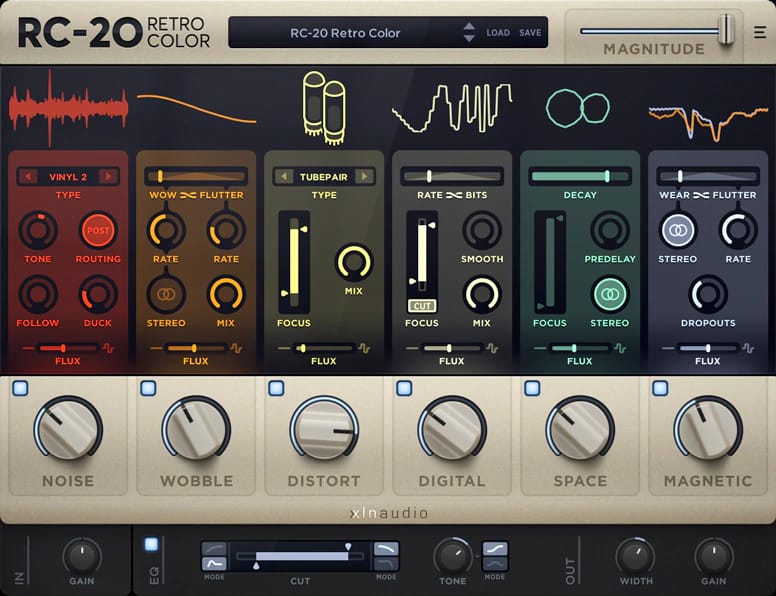
For tape specifically, Softube Tape is the most musical option — three tape formulations, wow and flutter, saturation on a single page. FabFilter Saturn 2 takes the multiband approach: independent drive and saturation mode per band, so you can apply tube warmth to the mids while adding tape character to the highs, with no crossover bleed. And if you want saturation as a creative tool rather than just processing — vinyl noise, tape hiss, wobble, lo-fi textures — XLN Audio RC-20 Retro Color is in a category of its own.
Synths: Wavetable, Drift, and Meld
Ableton's synth line-up is more capable than it's given credit for, but the picture depends heavily on which tier of Live you have.
Wavetable handles core wavetable synthesis competently — two oscillators, solid unison, decent filter options, tight Push integration. Its limitations are modulation depth (two LFOs, three envelopes) and the absence of granular, spectral, or sample oscillator modes. It's a reasonable starting point, not a replacement for a dedicated wavetable synthesiser.
Drift, added in Live 11.3, is the more interesting instrument. The Drift parameter randomises pitch and filter cutoff on each voice independently, simulating component variance in analog hardware. The result is a synth that sounds genuinely alive in a way Wavetable doesn't. Notably, one of its filter options is a licensed model of the Korg MS-20 filter — built by the same Cytomic (who did The Glue). For bass, leads, and pads where you want organic movement and warmth, Drift competes with paid analog emulations.
Meld, introduced in Live 12, is a bi-timbral macro-oscillator — two complete engine layers with 24 oscillator types each, capable of cross-modulating one another. It's not a precision instrument; it's designed for textural, ambient, and generative work. The scale-aware oscillator modes are uniquely suited to pitch-quantised and generative compositions.
Upgrade: Xfer Serum 2
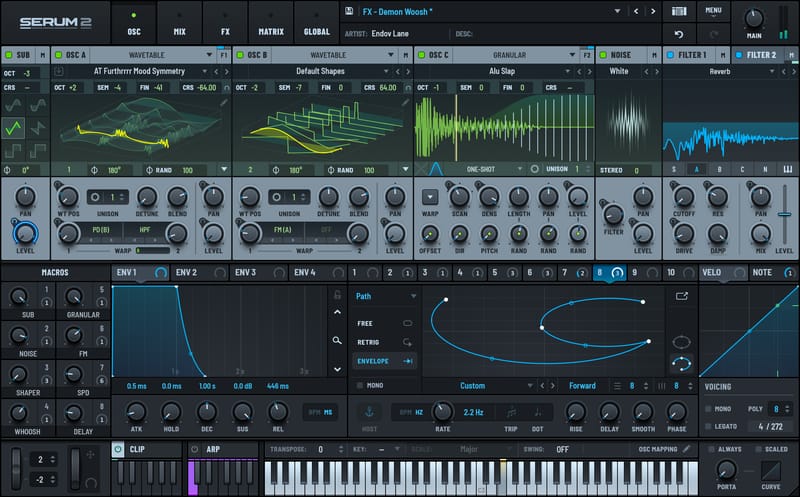
Serum 2 launched in March 2025 as a free upgrade for all Serum 1 owners — a significant market event, given how many producers own Serum 1. Version 2 adds a Multisample oscillator with included recorded instrument libraries, a Granular oscillator, a Spectral oscillator with harmonic resynthesis, and a completely redesigned effects section. It beats Ableton Wavetable in every dimension of modulation depth, oscillator variety, and sound design flexibility.
Free alternative: Vital — Vital's free tier includes the complete synthesis engine with 75 presets and 25 wavetables. Its visual feedback on all modulation, drag-to-assign routing, and spectral warping modes make it genuinely competitive with Serum 1. The free version alone is worth installing.
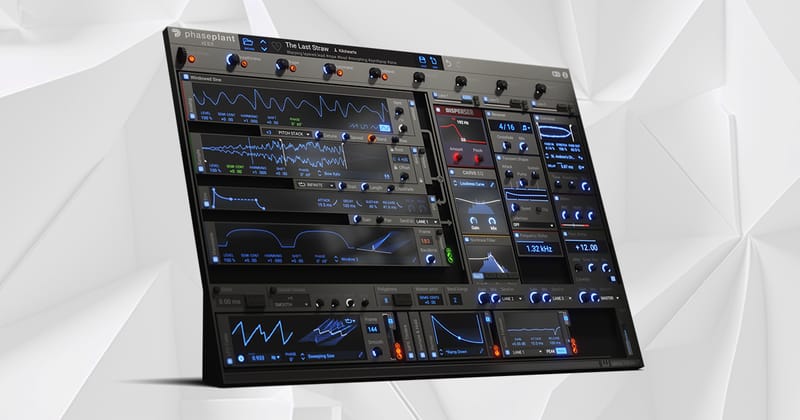
For deeper sound design: Kilohearts Phase Plant takes a modular approach — combine virtual analog, wavetable, granular, sample, and noise generators in any number, route through three independent effects lanes, and modulate anything from anything. More powerful than Serum for complex layered synthesis but with a steeper learning curve.
Drums: Drum Rack
Keep it — for most production it's the right tool.
Drum Rack's depth is easy to underestimate. Each pad is a full instrument chain that can hold any VST, allowing unlimited sound design depth per hit. Per-pad audio routing to individual mixer tracks, per-pad sends to internal return tracks, choke groups, sidechain sources across pads — it's a complete drum production environment. Its integration with Push hardware is second to none.
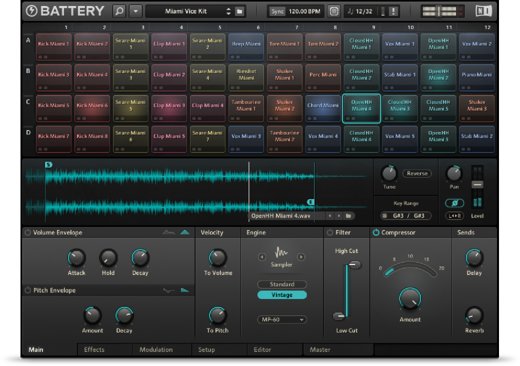
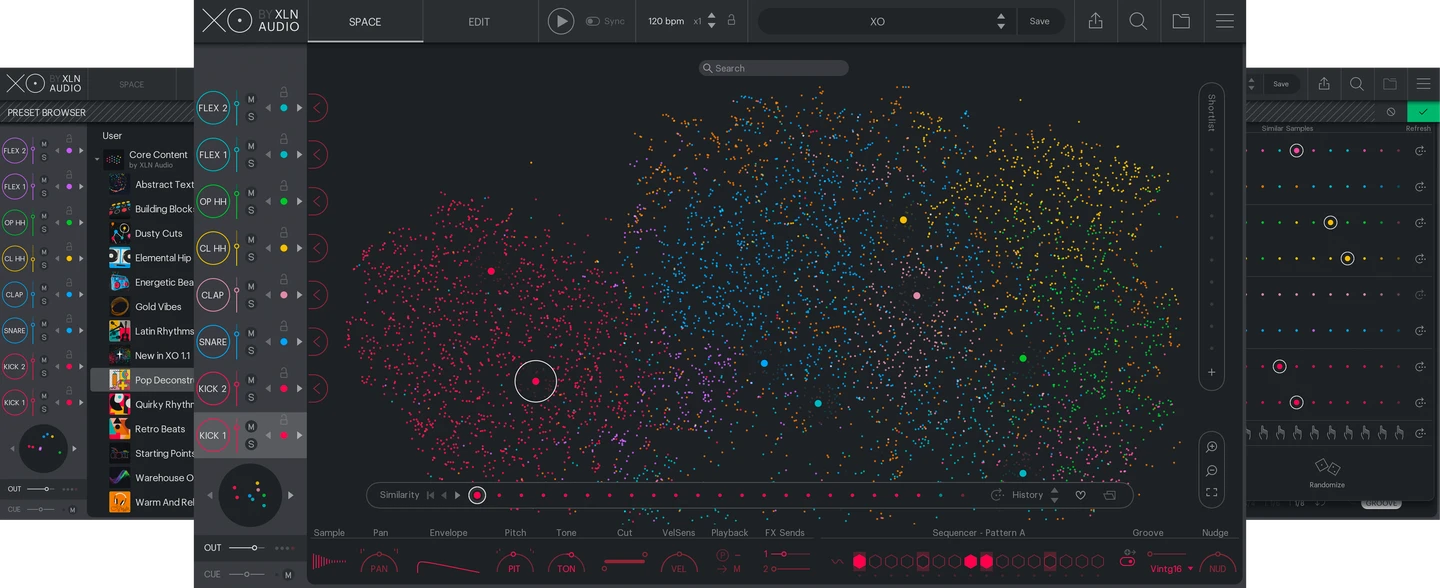
Where it falls short against dedicated drum samplers is humanisation and library management. Native Instruments Battery 4's per-hit timing randomisation, velocity curves, and microtime nudging make organic drum programming significantly more convincing. XLN Audio XO's visual scatter-plot interface — where your entire sample library is organised by sonic similarity — changes how you discover and choose samples, which is a different kind of value. And of course Drum Rack's integration with Ableton Push 3~£578 used remains second to none for hardware-driven performance and composition.
For most producers, Drum Rack is the right starting point. Battery 4 or XO become relevant when you're programming acoustic or live-sounding drums and need that next layer of nuance.
The Max for Live Factor
If you're on Live Suite, the "native vs third-party" conversation changes significantly. Max for Live includes tools that have no straightforward third-party equivalent:
Granulator II (Robert Henke, free): Best-in-class granular synthesis, used in professional experimental and electronic music worldwide.
Spectral Resonator and Spectral Time (bundled in Suite): Spectral freeze, resonator, and time-stretch processing with a musical interface — nothing comparable is freely available as a standalone.
M4L community: Mutable Instruments Plaits and Rings ports exist as M4L devices. The maxforlive.com catalogue contains hundreds of additional instruments and effects.
If you're on Standard or Intro and you do any sound design work, upgrading to Suite for M4L access is often more valuable than several third-party plugin purchases.
Summary
| Device | Verdict | Best Alternative |
|---|---|---|
| EQ Eight | Fine for individual tracks | FabFilter Pro-Q 4 for bus/dynamic work |
| Glue Compressor | Excellent — it's genuinely the Cytomic algorithm | Cytomic The Glue standalone for higher oversampling |
| Compressor | Underrated — keep it | FabFilter Pro-C 3 for professional mixing |
| Echo | Excellent — keep it | u-he Satin for deep tape work |
| Hybrid Reverb | Good enough for most work | See our reverb guide |
| Saturator | Replace it for anything beyond basic | Soundtoys Decapitator / FabFilter Saturn 2 |
| Wavetable | Adequate — replace for serious synthesis | Xfer Serum 2 or Vital (free) |
| Drift | Better than it looks — keep it | u-he Diva for deeper analog modelling |
| Meld | Keep for ambient/textural | Nothing else quite does this |
| Drum Rack | Keep it | Native Instruments Battery 4 / XLN Audio XO for humanisation and discovery |
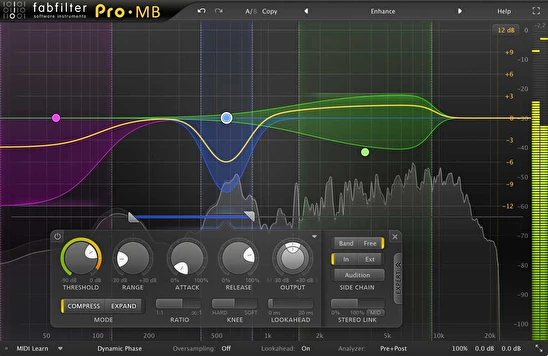
| Multiband Dynamics | Avoid for mixing — OTT preset is the exception | FabFilter Pro-MB for serious multiband work |
Ableton's native devices are better than most producers give them credit for. The Glue Compressor and Echo in particular are world-class tools that would cost serious money as third-party purchases. The areas where investment pays off are EQ (for dynamic and bus work), saturation (the Saturator just can't do what hardware-emulating plugins do), and synthesis (if you're pushing Wavetable's limits, Serum 2's free upgrade for existing owners is an obvious first move).
A Final Thought: The Hidden Cost of New Gear
There's a trap that catches almost every producer starting out. New plugins are exciting. Every DAW looks like it might be the one that unlocks something. You buy, you try, you move on, and somewhere along the way you've spent thousands on tools you barely opened — and more importantly, lost hundreds of hours learning and re-learning interfaces instead of actually making music.
The angst that comes with an unused purchase is real too. You bought it, you feel like you should be using it, and the guilt quietly undermines your focus every time you open your DAW.
The producers who make the most music tend to have the simplest setups — not because they can't afford more, but because they learned that familiarity compounds. Knowing one compressor deeply is worth more than owning ten you're still figuring out. The creative flow that comes from working without friction — not stopping to Google a parameter, not second-guessing which reverb to reach for — is hard to put a price on, but it's real.
The right question before any purchase isn't "is this a great plugin?" It's "have I actually hit a limitation in what I already have?" If the answer is yes, and the new tool solves a specific problem you've identified, it's probably worth it. If the answer is "it looks interesting" or "everyone's talking about it" — that's the trap.
Live's native devices are, for the most part, more than enough to make professional records. Start there, know them properly, and only buy outward when you know exactly what you're missing.